
Let’s be honest. Most people hear the words cyber security and immediately assume it involves complicated screens, dark rooms, and someone whispering the word “firewall” like it’s mystical. But basic cyber security for small business owners isn’t some secret art. It’s really just house security with fewer keys and more passwords.
If you can look after your home, you can look after your business online. Seriously. Let’s walk through it.
Starting With the Front Door, The Firewall
Every house has a front door. Every business network has a firewall. Same concept. It controls what comes in and what goes out. It keeps the weirdos and opportunists outside. If you wouldn’t leave your front door swinging open while you nip to the shop, don’t leave your network unprotected either.
Basic cyber security for small business always starts here. Lock the digital door.
Neighbourhood Watch, The Antivirus
Every neighbourhood has that one person who somehow knows everything. Who’s visiting who. Who left their bins out. Who parked where they shouldn’t.
That’s your antivirus. Constantly watching. Checking for trouble. Keeping an eye out for anything that doesn’t belong. It doesn’t need applause, it just quietly does its job, spotting dodgy files before they make a mess.
Not glamorous, but incredibly useful. Especially when you’re busy running an actual business.
Passwords, Your Keys to Everything
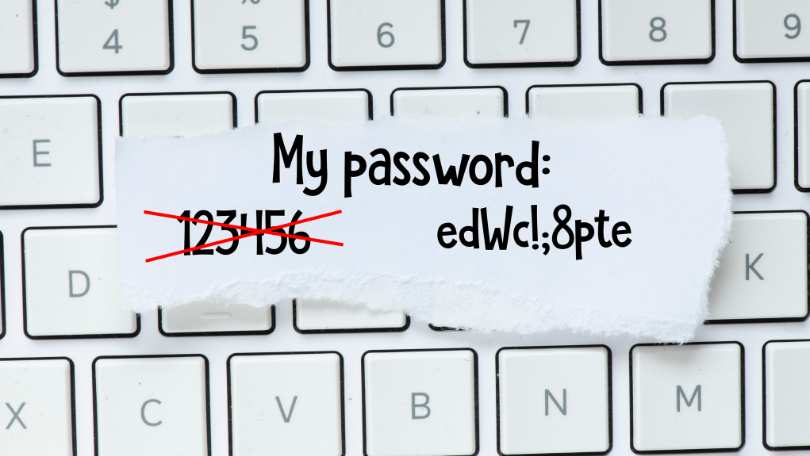
Now, imagine using one key for your house, car, office, and holiday cottage. Convenient? Sure. Sensible? Not even slightly. If someone steals that key, they’re basically moving in.
Same thing with passwords. Reusing one password everywhere is handing out the master key to your entire life. Use strong, unique passwords and stick them in a password manager. It remembers things so you don’t have to. Saves your brain for more important tasks, like remembering where you left your actual keys.
Two Factor Authentication, The Deadbolt
Let’s say someone manages to grab your password. Bit annoying. But with two factor authentication in place? They’re still stuck outside.
It’s your digital deadbolt. That second little check that stops the wrong person strolling in. A code, a fingerprint, a tap on your phone. Tiny bit of extra effort, miles more security.
Software Updates, Fixing the Broken Locks
Updates always pop up at the worst time. You’re in the middle of something important, you click “remind me later”, and then later becomes 2031.
But updates fix the cracks hackers love. They’re your maintenance. Your repairs. The equivalent of fixing that dodgy bathroom window you keep pretending isn’t a problem. If you want basic cyber security for small business to actually work, do the updates.
Backups, The Insurance You Hope You Never Need
Even with all the right security, disasters still happen. Files get deleted. Ransomware locks everything. Someone clicks the link they absolutely should not have clicked.
Backups are your safety net. If something goes wrong, you can recover. No drama, no tears, no starting from scratch. They form a big part of your plan to get everything back to normal – the disaster recover plan.
So What’s the Big Picture Here?
Basic cyber security for small business isn’t complicated. It just takes consistency. Lock the doors. Watch who’s coming and going. Don’t give out your keys. Update things. Back stuff up. Still not sure? Book a Free Cyber Security Audit and we’ll give you so practical help.
Your digital world works exactly like your home. Treat it with the same common sense, and you’re already ahead of most small businesses out there.
If you want help getting the basics in place, that’s what IT support is for. Better to sort it now than deal with the “why is everything broken?” panic later.